

BigQuery and GA4: what the export really costs
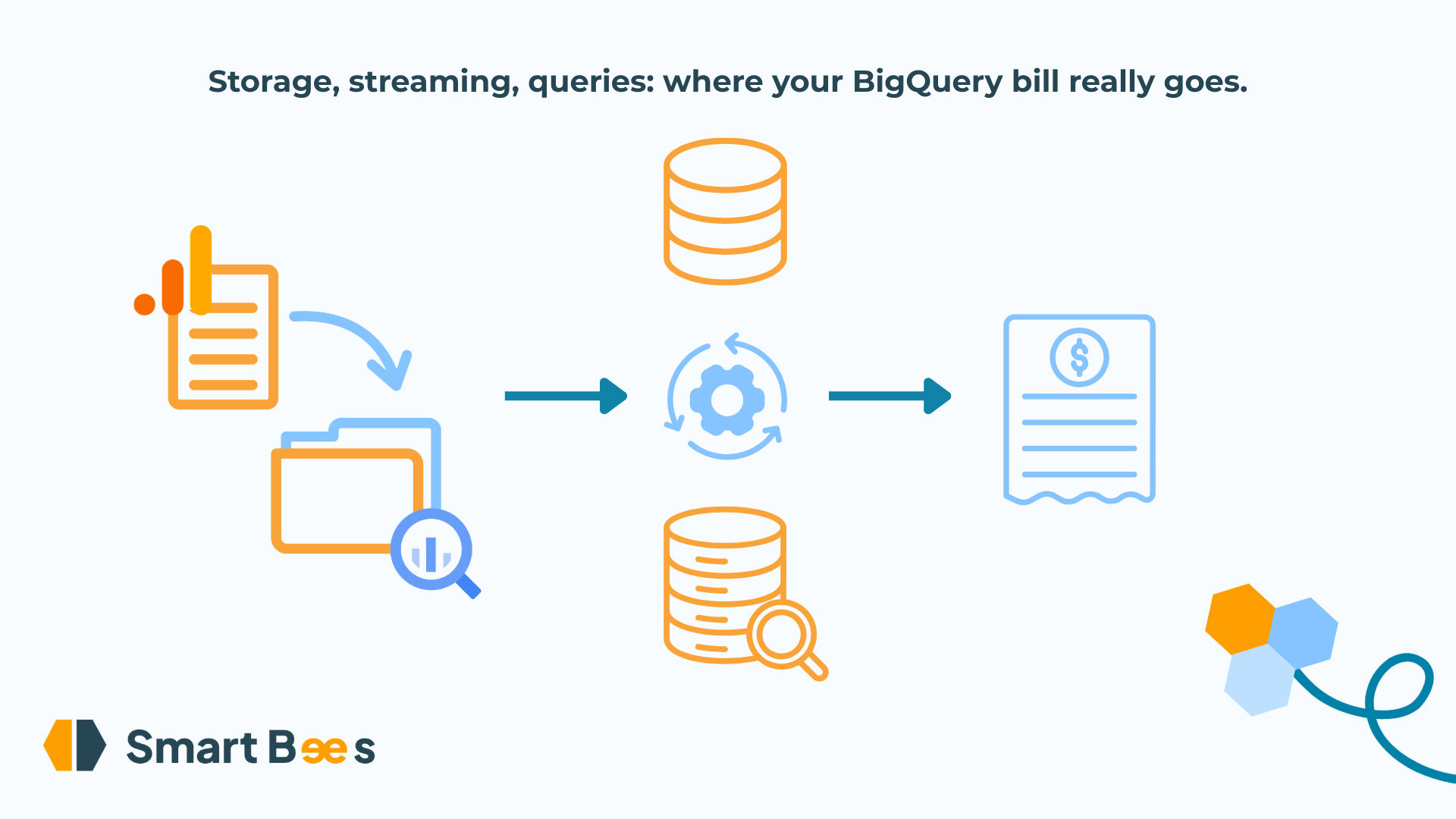
You have read the BigQuery pricing page. It talks about gibibytes stored, tebibytes scanned, slots. You closed it with exactly the question you opened it with: how much, at the end of the month, for a site like yours?
You are holding off on the export because nobody can give you a number. Or you switched it on six months ago, the first invoice said $4, this month's says $300, and nobody has touched the configuration.
We are going to answer those questions from one clear, shared baseline: one million sessions and 10 million GA4 events a month. And we are going to take the mystery out of it, line by line, because a BigQuery invoice is only opaque to people who do not know what it counts.
What does a year of GA4 data cost to store?
$4.50 a month, the price of a coffee in a Paris café. Google Analytics does not charge for the export; BigQuery charges for what you keep, and a GA4 event weighs about 2.2 KB in the events_ table. Ten million events make 20 GiB a month, 250 GiB after a year.
That price already includes an automatic rule: any table nobody has modified for 90 days drops to half price. The events_YYYYMMDD tables are written once and never touched again, so after a year, three quarters of your history is at half price without you doing a thing.
You can go lower still. By default, BigQuery bills the volume of the data as you see it; it can also bill the volume actually occupied on disk, once compressed. GA4 tables repeat the same event names, parameter names and page paths millions of times, so they compress very well, more than twenty times over. The price per GiB is twice as high in that mode, but on a volume twenty times smaller: the $4.50 becomes 40 cents. Switching compression on takes one command on the dataset, and it is reversible.
Should you worry about the cost of the streaming export?
No, and yet it is the fear we hear most often. The streaming export costs $1 a month on our baseline, and it is the one thing that protects you from the only limit able to cut your export off.
GA4 offers two modes. The daily export writes yesterday's table each morning. The streaming export writes continuously into an events_intraday table, replaced by the final table once the day closes, and BigQuery bills that flow on the volume inserted: $1 for our 20 GiB a month.
What streaming changes lies elsewhere. The daily export of a standard property stops beyond one million events a day. Google warns you by email, suspends the export, and the missing days are never replayed. Our baseline sits at 330,000 a day; the day a sales push takes you past the million, streaming is what saves the history.
One subtlety: the intraday table does not carry everything. Google leaves out traffic_source, user_ltv and is_active_user, which are only computed when the day closes. Streaming gives you freshness, not attribution. Turn it on for the limit, and keep the daily table for analysis.
Why do queries make up the whole invoice?
Because BigQuery bills what you read, not what you get back. A query that scans the year's 250 GiB to return a single row costs $1.50. Typed ten times a day by three curious people, it costs close to $1,400 a month. And everything in a GA4 project pushes you to read a lot.
The GA4 table uses nested columns. event_params, user_properties and items are arrays of structs. Fetching one parameter reads the whole column, meaning every parameter of every event in the period.
It is partitioned by table name suffix, not by column. A query on events_* with no filter on the suffix reads the entire history, and a LIMIT 100 changes nothing: the limit applies to the result, not to the scan. The SELECT * typed "to see what the data looks like" reads the whole year to display ten rows; the Preview tab in the console does the same thing for free.
It is re-read by tools that do not ask permission. A dashboard plugged into the raw table runs one query per chart, on every open, for every user. A nightly transformation that rebuilds from scratch re-reads the whole history to produce what already existed the day before.
And most of the time, it is not even the reads of the GA4 table that cost the most, but the reads of the tables you derive from it for a BI tool. A table rebuilt every night, purged of its last three days and then refilled, is read in full at every purge if it is not partitioned on its date. On a table of a few hundred GiB, that is a few dozen dollars a month to delete what will be reinserted within the minute; partitioned, the same operation costs under a dollar.
One dashboard, two invoices: which one will be yours?
Take our baseline after a year of export, and a marketing team that opens a five-chart dashboard on the last 90 days ten times a day. Two ways to wire it up.
First way: the dashboard reads events_* directly. The tool fires one query per chart, five per open, and each one reads the 90 days on screen: three months of 20 GiB, 60 GiB per query as soon as it touches event_params, which every useful chart does (source, page, revenue). At 300 opens a month, that is 90 TiB read. The first TiB is free; the next 89 are billed at $6.25 each, which comes to $557.
Second way: an aggregated table sits in between. Every night, a transformation reads yesterday alone, 0.7 GiB, and appends it to a table aggregated by day, source and page, which weighs a few dozen MB. The dashboard reads that table only. Over a month, the transformation reads 20 GiB and the 300 opens about 40 GiB more: 65 GiB in all, 40 cents at list price, entirely absorbed by the free TiB. Nothing shows up on the invoice, and it would take fifteen times as many opens before you start paying.
Same data, same dashboard, same team: $5.50 or $562. The gap does not come from volume; it comes from an aggregated table that one day of work is enough to put in place. And the first column is not a caricature, it is a trajectory: a raw dashboard opened three times a week by one person stays under the free TiB for months. Then people like it, it gets shared with twelve colleagues, someone adds a country filter, and the invoice hits three digits without a single line of configuration changing. The dashboard did not change; it got popular. Cost does not grow with the data, it grows with usage.
How do we keep a BigQuery invoice in check on an engagement?
With three settings, put in place before optimising a single query. One hour of work.
A byte cap per query and a daily quota per project. BigQuery refuses, before running it, any query that would exceed the volume you set. Without that cap, a project runs on the default quota, 200 TiB a day, which is $1,250 a day, and nobody is warned before the invoice. Not one of the projects we have seen arrive with a four-digit invoice had one.
No BI tool on the raw table, no derived table without a partition. The visualisation tool reads aggregated tables only; any table rebuilt or purged daily is partitioned on its date. The test takes ten seconds in the query log: if the volume read by a daily query comes close to the size of the table it touches, it is broken.
A monthly review of the ten most expensive queries. The log names the author, the tool and the bytes billed for every run. The top ten lines always explain the invoice, and the first one often explains a quarter of it.
In closing
If you take one thing away: BigQuery does not bill you for your data, it bills you for re-reading it. Storing and streaming a GA4 export costs a few dollars a month; queries cost whatever you decide they cost, through an aggregated table for visualisation, partitions on derived tables and a byte cap per query.
A well-kept GA4 export costs the price of a coffee, a badly kept one the price of a salary, for exactly the same data. Unsure about your own case? Talk to a Smart Bees consultant, we will look at it together.
Frequently asked questions about BigQuery costs
Is the GA4 export to BigQuery free?
Yes. The export itself is free, for standard and 360 properties alike. What you pay for is BigQuery: storage, streaming inserts if streaming is on, and above all the queries run on that data. A billed project is needed for lasting use, since the free sandbox deletes tables after 60 days.
How much does a year of GA4 data cost to store in BigQuery?
$4.50 a month for one million sessions a month, under a dollar for a site ten times smaller. Count 2.2 KB per event to redo the maths with your own traffic, and divide by ten if you switch the dataset to physical storage. Tables older than 90 days move to the long-term rate on their own.
Is the GA4 streaming export expensive?
No. Count $1 a month for one million sessions a month, around ten dollars for a site ten times bigger. Its real job is to lift the daily export's cap of one million events a day, beyond which Google suspends the export without replaying the missing days. That is the reason to switch it on, well ahead of data freshness.
Why is my BigQuery invoice going up when my traffic is flat?
Because a tool is re-reading your tables more often, or more widely. A dashboard shared with more users, a transformation that rebuilds the whole history every night, an unpartitioned derived table purged every day: BigQuery bills bytes read, not bytes stored. The query log names the culprit in a few minutes.
How do you cap BigQuery costs?
Two settings, ten minutes. A maximum number of bytes read per query, which rejects oversized queries before they run, and a daily quota per project or per user. Add a budget alert in Google Cloud Billing and a monthly review of the ten most expensive queries. On-demand pricing is enough; reserved-capacity editions are not relevant to a GA4 project.
Is your BigQuery invoice under control?
Thirty minutes with one of the founders. We look at your query log, your derived tables and your safeguards, and tell you straight what costs you money for nothing and what holds up.
